
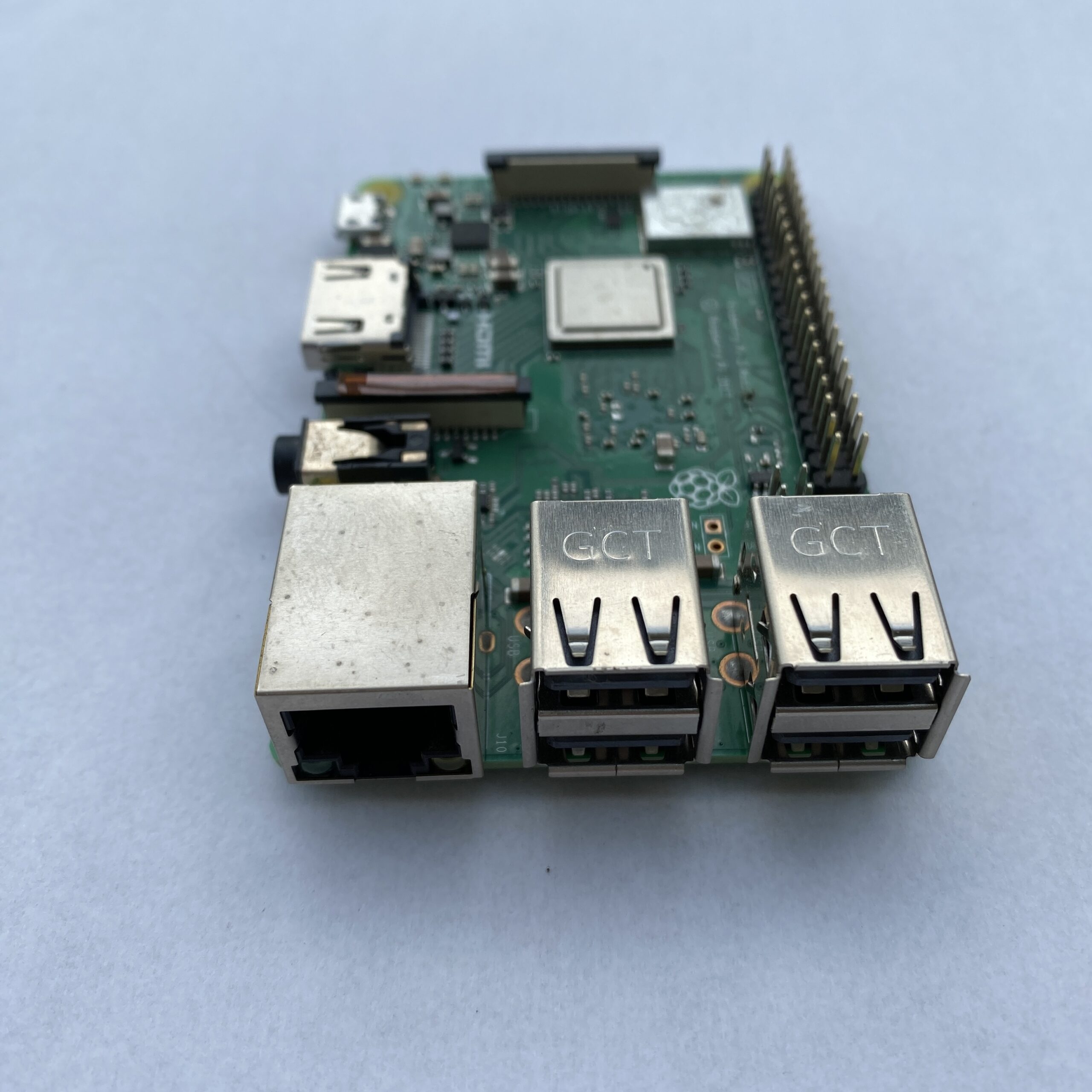

Run these proc directory commands to uncover other hardware information.
- cat /proc/meminfo - displays details about the Raspberry Pi's memory.
- cat /proc/partitions - reveals the size and number of partitions on your SD card or HDD.
- cat /proc/version - shows you which version of the Pi you are using.
- vcgencmd measure_temp - reveals the CPU temperature (vital if you're concerned about airflow).
- vcgencmd get_mem arm && vcgencmd get_mem gpu - will reveal the memory split between the CPU and GPU, which can be adjusted in the config screen.
- free -o -h - will display the available system memory.
- top d1 - checks the load on your CPU, displaying details for all cores.
- df -h - is a great way to quickly check the free disk space on your Raspberry Pi.
- startx - will start the Raspberry Pi GUI (graphic user environment) and return you to the default Raspbian desktop.
- sudo shutdown -h - now will commence the shutdown process with immediate effect. Schedule a timed shutdown with the format: sudo shutdown -h 18:35
- sudo reboot - is for restarting the Raspberry Pi from the command line.
0 Comments